Belle More Information Tutorial
Jump to navigation
Jump to search


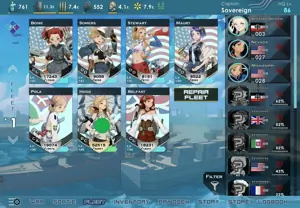
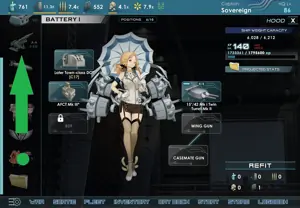
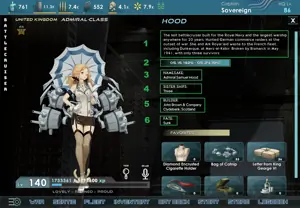
This tutorial will describe how to fill out the Belle More Information form.
The data shows up in "Character More Information" on a Belle page using the new Cargo-friendly template. See the test page.
1. Navigate to the form which will have some handy pre-populated information.

2. Change BELLE to the name of the Belle in question. Pasting names with special characters should not be a problem.
3. The form auto-populates with the name of the Belle.

4. Navigate to the Fleet screen and tap the Belle whose information will be contributed.

5. Scroll the left column until the icon that looks like clothing is visible. Tap it.

6. Copy information in boxes 1-6, described below.

- Summary.
- Service Dates, also Commission Year is the year from the date the ship entered service.
- Namesake.
- Sisters (count, unless the game displays some other data here).
- Builder and location built.
- Fate.
7. Click Save Page when all required data is entered.